
 By
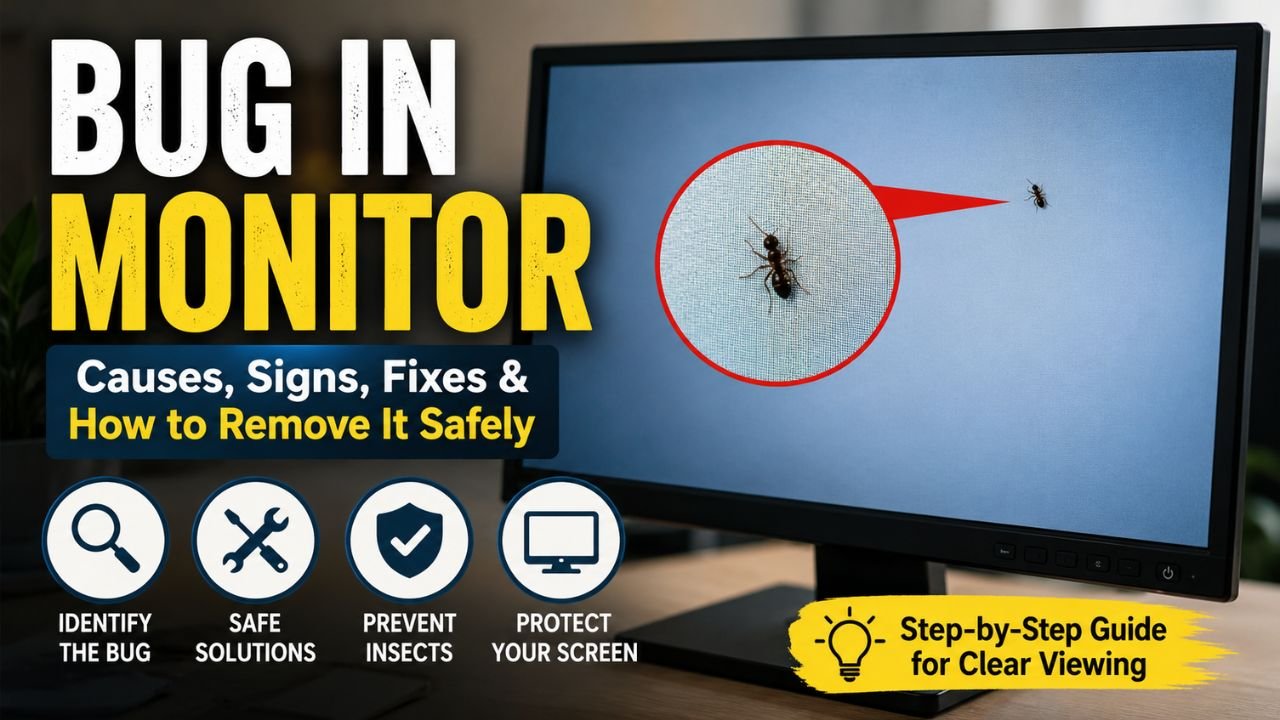
By Discovering a bug in monitor displaying a small relocating black dot on your display can be shocking or even irritating. At first glance, most users assume they have a dead pixel, display damage or a software issue. In some instances though, the problem isn’t digital at all it’s a real bug in monitor that has made its way inside the layers of an LCD display.
Monitor is not a busy hardware failure but you never know it happens. Small insects like to follow not just the heat, but also the light from LCD and LED displays. They can become trapped between the screen layers too, forming a visible moving or stationary black spot once inside.
Whether you witnessed an ant inside monitor, a tiny flying insect, or some other small animal, the underlying cause is essential to understanding before taking measures to effectively get it out without injury. In some cases, the insect eventually leaves on its own; in others it may become trapped indefinitely.
In this guide, you will learn about a bug in monitor including why bugs get caught inside displays, how to spot the problem and some solutions as well as preventative actions that can be taken to ensure it does not happen again.
What Is a Bug in Monitor?
One type of bug in monitor is an actual insect that has made its way through the small space between the LCD panel and other display layers. Modern monitors now have many thin layers, and very tiny insects find a way to squeeze through some of the tiny openings at the edges or near the ventilation spots.
Compared to dust, the insect is (hopefully) mobile and therefore identified. When they are trapped, it will continue to crawl until it dies or finds a way out.
A lot of the people who search online for bug trapped in monitor face this specific problem.
Read more: Free AI Tools | Red Tint on Screen
Why Does a Bug Enter a Monitor?
Small organisms naturally go to warm, protected places. LCD monitors emit some heat during normal use and this is what makes them pretty attractive hiding places.
Common reasons include:
- Heat generated by the display
- Bright light attract moths at night
- Making tiny holes along the frame surrounding the monitor
- Dust accumulation near ventilation slots
- Humid environments that attract insects
During warmer seasons when insects are active, a bug in monitor is more likely.
Insects with Also Nest in LCD Monitors
This includes a few minuscule creepy crawlies that will begin to swarm into show boards.
Booklice
These are tiny, microscopic insects that love humid areas and often look like tiny moving dots.
Thrips
So, what insect is the most commonly found inside LCD screens, and trivially right now we can name rushes as they are extremely small in size.
Ants
At times a user realises that He/She sees a black dot moving inside the monitor. Ants generally go through very small cracks in the screen enclosure.
Small Flying Insects
But tiny ant-like insects can become trapped in LCD displays.
Bug in Monitor vs Dead Pixel
One of the most common questions from users is whether they are watching a bug in monitor or repairing a damaged screen.
Here are the differences.
Bug in Monitor
- Moves slowly
- Changes position
- Has an irregular shape
- May disappear temporarily
- Appears alive
Dead Pixel
- Never moves
- Remains fixed
- Appears as one tiny pixel
- Often red, blue, black or white
- Caused by hardware failure
To clarify dead pixel vs bug in monitor so continue to be aware not to replace the monitor when it is actually generated.
Signs You Have a Bug in Monitor
These are symptoms indicating an insect rather than a display defect.
- Moving Black Dot: The most typical location aspect is a black dot moving afterwards on screen. If the spot moves over time, an insect is most likely.
- Irregular Shape: Insects are uneven shapes rather than damaged pixels.
- Changes Direction: An actual insect walking randomly on the screen.
- Stops Occasionally: Keeps many insects motionless for several minutes before moving again.
- Appears Larger Than One Pixel: An actual insect has dimension and therefore will take up several pixels.
Common Causes of an Insect Inside Monitor
There are aspects that are increasing the chances of insects in monitor inside.
- Warm Environment: Electronics naturally produce heat.
- Nearby Lights: Evening insects are drawn to bright displays.
- Open Windows: Windows are still open; Windows helps ants to get into the room.
- Poor Cleaning: By being around dust and moisture, two things electronics seemingly can not get away from, they will attract tiny pests.
- Humidity: Small insects congregate inside when the humidity is high.
The question is whether an ant can manage to get inside a monitor
Yes.
Squeezing through impossibly small gaps an unusual ant (within the screen) This also applies if your workspace has food crumbs or sugary drinks lying around, then ants may flock to your computer location.
That’s fine for larger ants, however, because they seem to make their way back out as well crossing between the LCD layers is more difficult.
Why Is There a Black Dot on My Monitor?
A black dot on the monitor does not immediately rule out damage to the screen.
Possible causes include:
- Bug in monitor
- Dead pixel
- Dust trapped inside
- Manufacturing defect
- Pressure damage
The simplest way of detecting the issue is by attentively monitoring if the dot moves.
Bug Under Monitor Screen: Is It Dangerous?
A bug in monitor screen is often an annoyance rather than a threatening presence.
The bug does not ruin your computer’s processor and graphical processing unit / GPU or the internal electronics. However, if it dies inside the display, the carcass can remain frankly visible for all time unless the screen is taken apart by a professional.
The vast majority are literally annoyed by the disturbance during work or games.
Tiny Insect in LCD Screen: Why It Happens
Tiny insects in LCD screens usually sneak in through minuscule gaps around the panel edges. LCDs contain many tightly-packed layers of material: that means insects can get stuck between those layers.
The main allure for these insects are:
- Heat
- Light
- Shelter
- Moisture
They can live for hours or even days once they get inside.
LCD Monitor Bugs More Common Than You Would Think
While rarely these days, users of almost any major monitor brand have encountered a small LCD procrastination bug in monitor issue. It is not manufacturer specific.
This problem stems from the fact that modern displays are incredibly thin, leaving only tiny gaps into which some insects can slip inside.
This also means that those gaps are getting harder to completely seal as monitors get thinner.
Can Bugs Damage the Display?
As a rule insects don’t do irreversible electronic damage.
An existing bug in monitor can be left with several stains or miniscule marks or the dead body inside the panel can continue to exist. Although this generally does not influence the monitor performance, it may make the viewing top quality lower.
This is exactly why most of the users now avoid keeping that pest on their bodies for too long.
How to Remove Bug from Monitor Safely
If you’ve discovered a bug in monitor, your first instinct may be to tap or shake the display. However, this can do more harm than good. LCD panels are delicate, and excessive pressure can cause permanent damage.
The safest approach is to encourage the insect to leave naturally without damaging the screen.
Turn Off the Monitor
Shrug off the monitor for a couple of hours. Lacking heat and light, the insect could stroll to a hole or crevice and leave by itself.
Put a Bright Light Off to the Edge
Some little insects normally come to the light. You can also place a small flashlight next to one corner of the monitor while leaving the screen off so that the insect will be enticed with crawling towards it.
It is the simplest and easiest method for troubleshooting a bug in monitor.
Gently Tilt the Monitor
If possible, gently tilt the monitor to different angles. Insects may rely on gravity to move toward a ledge from which it can fall.
Do not crash or shake the monitor on the screen.
Keep the Room Dark
Switch off the lights in your room except for the flashlight next to that monitor edge. This makes for a very clear source of light that will be paired with the insect.
Wait Patiently
At times the best solution is simply waiting. Most insects eventually find their way out without any help.
Should You Press the Screen?
Most people try pressing on the display to push the bug in monitor screen around. This is not recommended.
Applying pressure may result in:
- LCD panel damage
- Pressure marks
- Pixel distortion
- Permanent screen discoloration
- Expensive repairs
When you see a bug in monitor, do not touch right down on the area where it is broken.
What if the Bug that Died Inside The Screen?
Regrettably a few insects basically die after being imprisoned.
A dead insect may appear as:
- A stationary black spot
- A tiny brown mark
- A small irregular shape
- A stain that shows against bright backgrounds
In this instance, the error in monitor could clearly signify until an expert removes or complements the display.
Monitor Black Spot Moving: What Does It Mean?
Perhaps the clearest indication that whatever is causing the display issue is actually a living (probably crawling) insect and not some hardware fault, is the monitor black spot moving across it.
Unlike damaged pixels, insects:
- Change direction
- Pause occasionally
- Move at different speeds
- Follow irregular paths
If the spot goes still after a few days, it is possible that the insect perished in between the glass.
Also read: Top 10 Solar Inverter in India | Why Is My Computer Screen Red Tinted?
Bug in Monitor Display or Real Bug
Of course, not all export issues stem from pests.
This may look like a common problem of monitor display:
- Dead pixels
- Stuck pixels
- Screen flickering
- Backlight bleeding
- Dust particles
- Pressure damage
If the black dot actually moves, you can ascertain whether your monitor displays a real bug in monitor or if it’s something else.
Dust Under Monitor Screen or Bug
This is what the inside of a monitor looks like with dust trapped not an insect:
- Dust
- Never moves
- Appears blurry
- Usually gray
- Irregular but static
- bug in monitor Screen
- Crawls slowly
- Changes position
- Visible legs or body under magnification
- Appears darker than dust
It simplifies access to a bug in monitor screen without physically opening the display.
Additional Considerations for Insect Inside Monitors
The vast majority of today, LCD displays are sealed in by layers that leave next to no margin for access.
You are a bug in monitor insect simulator between:
- Protective front layer
- Polarizer
- LCD panel
- Diffuser layers
It takes specialized equipment and a clean-room environment to even open these layers. Doing this at home can only bring even more dust or ruin the screen completely.
Can An Ant Live Inside A Monitor?
An ant in an enclosed monitor may live for a few hours to a couple of days depending on the air availability and temperature.
Yet monitor no food or water, then the insect should die without escape. As such, early action raises the odds of eliminating the bug earlier than it becomes an everlasting stain.
What About Bugs on Phone Screen?
When people notice something strange on their phone screens, many think it’s bugs trapped behind the screen.
Usually, this means:
- Glitches
- Touchscreen problems
- Display artifacts
Modern phones are well sealed, meaning it is nearly impossible for real bugs to get trapped inside.
Seeing White Mites on Phones: Is It Possible?
Some people say they can see white mites on their phones, but it is usually small bugs or dust that may be on the phone screen and possibly not even in the phone.
Particles that are on the screen but can be easily wiped away are not inside the phone screen.
If particles keep moving after you clean the screen, do not assume your phone is broken, check your house or environment for more bugs.
How to Prevent a Bug in Your Monitor
It is much easier to prevent a bug in your monitor than to get it fixed after it happens. To prevent bugs in your monitor, try these tips.
Keep Your Workspace Clean
A clean workspace reduces the chances of bug in monitor.
Reduce Indoor Humidity
Insects thrive in humidity. A more comfortable environment for you can be a more inhospitable environment for insects.
Don’t Leave Lights On Overnight
During the warm months, turning your monitor off can help prevent flying insects from becoming a nuisance.
Seal Windows
Install insect screens on windows and keep them closed during the evenings when insects are most active.
Keep Food Away from Your Desk
Increased food particles will attract more insects like ants.
Maintenance of Monitor Edges
Dust and assess the insect situation on the frame and monitors’ openings. Use a microfibre cloth and focus on the frame and the ventilation openings.
When Should You Contact a Professional?
The following situations may warrant a call to a technician:
- An insect has died behind the monitor.
- A black dot has been on the screen for several weeks.
- Repeated insect activity has occurred inside the display.
- The warranty is still valid.
- The screen has been damaged while trying to perform the insect eviction.
A qualified technician will assist in making the decision to replace the screen or perform a thorough monitor cleaning.
Destruction Myths of Having a Bug in Your Monitor
Myth 1- A Black Dot is a Dead Pixel
This is false. A moving black dot is more likely to be a bug.
Myth 2- The issue can be resolved by tapping on the screen
This is false. The LCD can be damaged.
Myth 3- It’s a simple task to open a monitor
This is false. LCDs are tiered and delicate.
Myth 4- Bugs will ruin the electronics of the monitor
This is overwhelmingly false. The bugs will not impact the internal components of a monitor.
Conclusion
A moving dot can make a monitor feel broken, but it is often a bug that is stuck in the LCD panel. The warmer the panel gets, the more bugs that might find their way in by slipping through tiny crevices on the frame. While moving dot bugs can be distracting, they have little impact on the overall function of the monitor.
It is important to determine if the moving dot bug is in fact a bug in monitor or if it is another display issue like a dust particle or dead pixel. Unlike dead pixels that are stagnant, bug in monitor that are actually in the monitor move and oftentimes can be a distraction to the user. Knowing the difference between dead pixel and bug can prevent unnecessary replacement of a fully functioning monitor.
If it is found that a bug in monitor, do not touch, tap, or shake the monitor, as this can cause fatal damage to the LCD panel. The bug can be encouraged to leave the monitor by turning it off and placing a light at the edge, or by tilting the monitor. If it is found that the bug no longer moves and there is a dead bug stain in the monitor, it is best to seek professional service.
It’s best to keep your workspace dry and clean and keep food away to deter bug in monitor from nesting in your workspace electronics. This is better than dealing with bugs in your monitor.
Also read about: BMPS 2026 Semi Finals
Frequently Asked Questions About Bugs in Monitors
Q1: Can a bug really get inside a monitor?
Yes, tiny insects can enter through small gaps and become trapped inside the display layers.
Q2: How can I tell if it is a bug or a dead pixel?
A bug moves, while a dead pixel stays fixed in the same position.
Q3: Will a bug damage my monitor?
Usually, no. However, a dead bug may leave a visible mark inside the display.
Q4: How can I get a bug out of my monitor?
Turn off the monitor, place a light near an edge, and gently tilt the display. Avoid shaking it.
Q5: Can an ant get inside an LCD monitor?
Yes, small ants can enter through tiny gaps and become trapped inside an LCD monitor.
Q6: Should I press the screen to move the bug?
No. Pressing the screen can cause pressure marks, pixel damage, or permanent LCD damage.
Q7: What if the bug dies inside the screen?
Avoid opening or shaking the monitor. If the mark remains visible, contact a professional technician.
Q8: Why is there a moving black dot on my monitor?
A moving black dot may be a tiny insect trapped inside the display rather than a dead or stuck pixel.




1 Comment